Catalog App 1.8.0
✨ New
macOS 26 support: We are pleased to announce support for macOS 26!
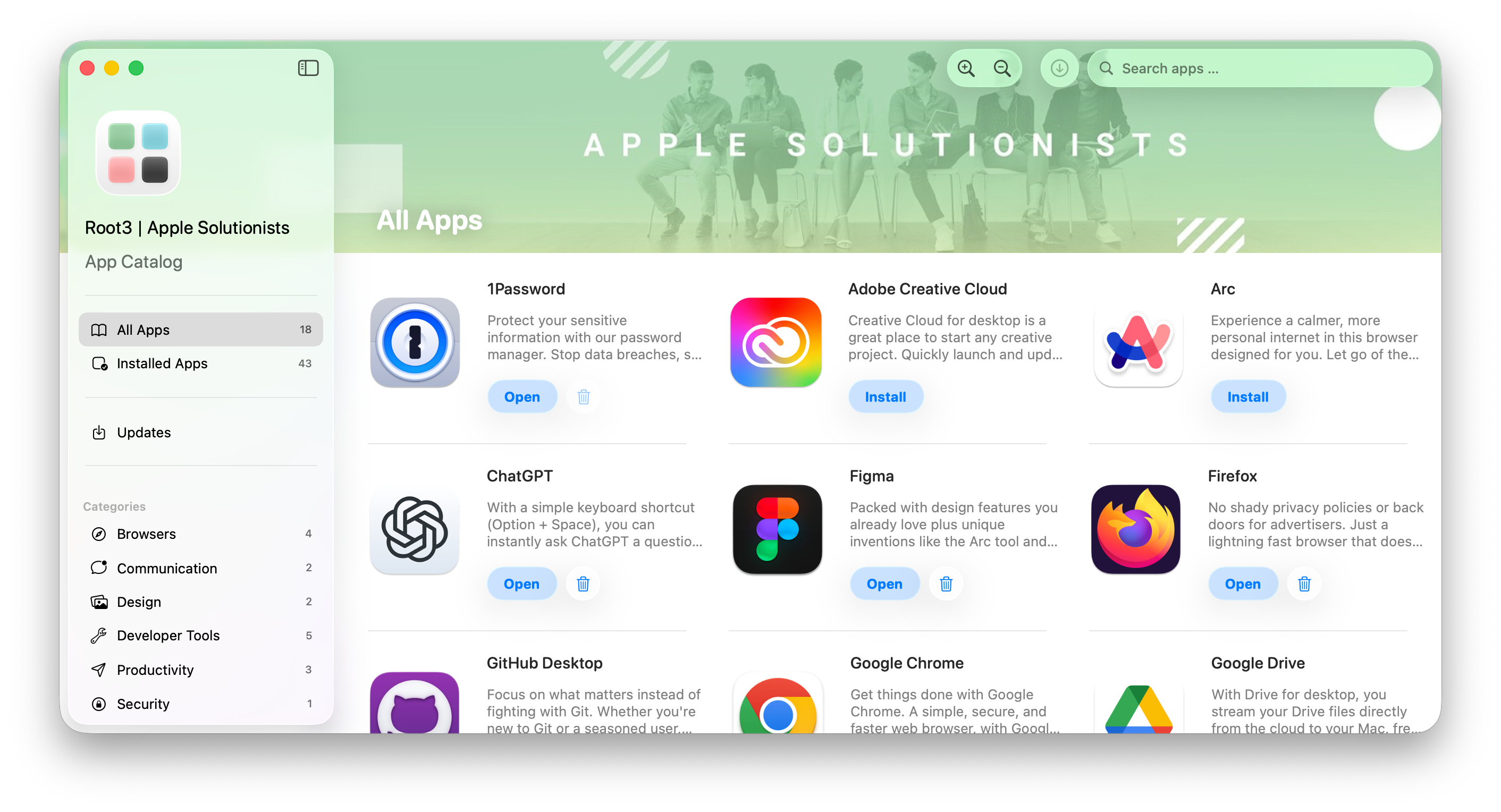
Redesign with Liquid Glass: Catalog App is redesigned with Liquid Glass on macOS 26. All native components adopt the new style and buttons have been refined to use glass.
Uninstall apps: App Catalog now supports uninstalling apps in Catalog App for end-users and using Catalog Agent for IT administrators. Mandatory apps are respected in Catalog App and users are blocked from uninstalling these apps, or administrators can disable uninstallation for all apps using the
DisableAppUninstallskey.Header branding: You can now brand Catalog App with an optional header image or color which is presented above the available apps and updates. This key accepts a remote image from URL or one or more colors which result into a gradient effect. The header option is exclusive to macOS 26 and uses Apple’s new background extension effect which shows the image edge to edge and mirrors under the sidebar to avoid clipping content.
New update engine: As previewed in version 1.7.x with
IncludeAppsUpdateas opt-in, App Catalog now uses a completely new update engine to detect and handle app updates by default. The new system is much quicker at detecting and installing multiple updates, similar to Catalog App. This transition will also allow us to build new capabilities for the best possible user update experience.
👀 Changed
The minimum deployment target is now macOS 13 and App Catalog cannot be installed on macOS 12 anymore. Officially App Catalog supports N-2, at this time macOS 14, macOS 15 and macOS 26. macOS 13 should still run but is not tested anymore.
More information:
⛓️💥 Known Issues
Custom icon in notification unavailable: when using the key
CustomAppIcon, the notification icon temporarily does not support custom icons. Due to a code signature error, we are working on a new notification system and reinstate the behaviour as soon as possible.Switching between Admin Mode may crash the Catalog App due to a regression in macOS 26.