Changelog

Follow new updates and improvements to App Catalog.

April 21st, 2026

New

Fixed

App

✨ New

App Catalog 1.9.0

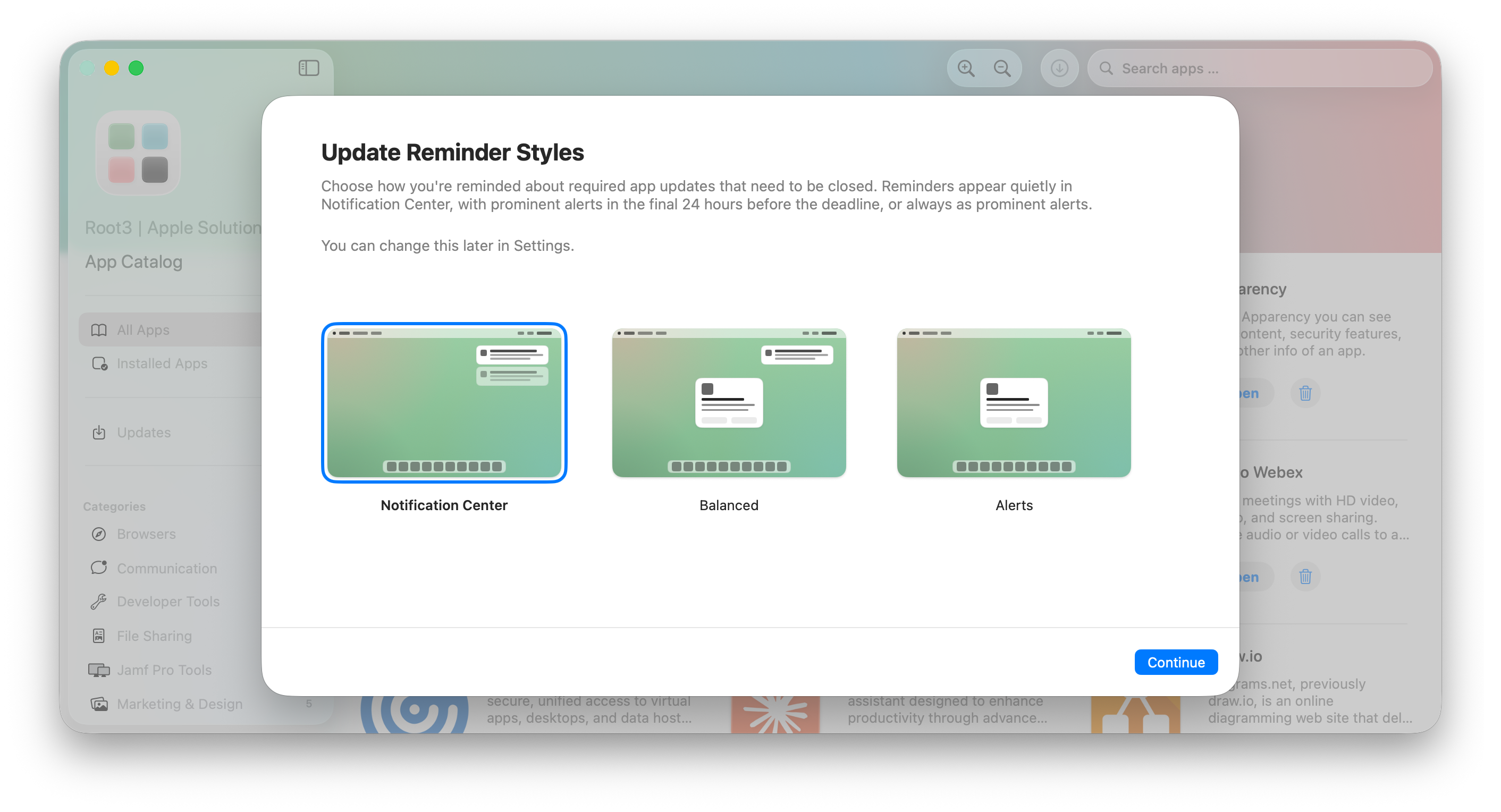
  • All-new user interaction: We are introducing a completely new way how users interact with apps requiring a restart to update, designed to strike the right balance between informing users while still respecting the user’s productivity. Previously, a large popup in the center of the screen would ask the user to close the app and update. Now, App Catalog fully relies on the macOS Notification Center for the best possible Apple experience, similarly to what users already know from macOS updates. When App Catalog requires user interaction, the update is automatically deferred and a notification will be sent informing the user and ask to update at a more convenient time. Ultimately, the update will be enforced to make sure your organization stays up to date and compliant. Here are some highlights:

    • Increasing notification frequency: If the user doesn’t update, reminder notifications will be sent and get more frequent leading up to the enforcement date

    • Notification actions: Clicking on the notification brings the user directly to the Updates section in the Catalog App, allowing them to update immediately and granularly at the most convenient time.

    • Notification grouping: To limit the number of notifications and avoid clutter, App Catalog groups updates logically in one notification.

    • Respect Do Not Disturb and Focus: Apps requiring user interaction respect the user’s Focus state, such as Do Not Disturb.

    • Automatic dismissal of notifications: When reminders are no longer relevant, App Catalog automatically dismisses them without requiring users to dismiss notifications that are no longer relevant.

    • Custom deferral time: Use AllowedDeferralsInDays to configure a different number of days the user gets to update manually before enforcing the update.

    • More information:

  • Hourly updates: App Catalog now checks every hour for updates instead of once every day or less often. This makes sure updates are timely installed. You can use

    deferrals and delays to control when updates can be applied or must be enforced.

  • UI improvements: Catalog App has some UI updates such as simplified buttons (avoid glass on glass), enhanced animation with the app icon and more.

👀 Changed

App Catalog 1.9.0

  • Key UpdateDeferrals is removed. A new key AllowedDeferralsInDays allows organizations to set a different time-based deferral.

  • Key DisableAppInstalls is deprecated. When still applied, the same behavior as UpdatesOnly is applied and Catalog App only shows available updates. This means Catalog App can no longer be completely disabled, as the app is now the central place for users to update apps manually.

General

  • Version reliability improvements: We have improved the way App Catalog is informed about the latest version of an app.

🛠 Fixed

General

  • Fixed code signature errors after force-installing app updates or when updating apps using Support App: In some cases, force-installing an app update or updating an app through Support App could leave behind files from the previous version inside the app bundle. When this happened, macOS reported the app's code signature as invalid (for example, with the message "File added after outer app bundle was codesigned"), which could prevent the app from launching or passing Gatekeeper checks. Users may have experienced this as the app unexpectedly quitting right after opening, or as a macOS warning that the app is "damaged" and can't be opened. Updates now fully replace the app bundle, ensuring the code signature remains intact after every update. We apologize for any inconvenience you and your users may have experienced.

    • Workaround for affected installs: Run the following command through your Device Management Solution to remotely repair the app without asking the user to reinstall it manually:

      catalog -i BUNDLE_ID --force 

      If you've made the app available in the Catalog App, users can also resolve it themselves by uninstalling and reinstalling the app from there.

App Catalog 1.9.0

  • Bug fixes and performance improvements

April 9th, 2026

App

Hello App Catalog customer! We’re reaching out as we are finalizing an all-new notification system for updates requiring user interaction. This includes a new helper responsible for sending notifications to the macOS Notification Center. To avoid users getting a consent prompt, we’d like to share the technical details to pre-approve the notifications and give you the opportunity to implement these with your Device Management Service before we release this new version later this month.

What is changing?

App Catalog 1.9.0 will ship with a new notification helper Catalog Notifications, responsible for sending deferral reminder notifications.

Catalog Notifications does not replace notifications from Catalog Agent. The primary reason for two notifiers is to be able to send some types of notifications as “Temporary” and some types as “Persistent” for the best possible balanced user experience. This is explained in an updated article: Granting User Notifications. Additionally, User deferrals & interaction provides an early look at how the deferral user experience will look.

What do I need to do?

We recommend reviewing the article Granting User Notifications and update your App Configuration in your Device Management Service.

When will App Catalog 1.9.0 be released?

The current plan is to release this new version later this month. We suggest implementing the changes by Friday April 17th. You may also choose to delay the update: Delaying app updates

What happens if I do nothing?

When App Catalog is updated to 1.9.0, users may receive a notification asking to grant approval for sending notifications. Users may refuse, which means they will not be reminded about upcoming updates requiring a restart of the app.

January 6th, 2026

Fixed

App

🛠 Fixed

  • Fix for Catalog App showing all apps in App Catalog when UpdatesOnly is set to true

December 29th, 2025

New

Fixed

App

Customer Portal

✨ New

Customer Portal

  • User Management: You can now add, update, or remove users. Simply click on your profile, select “Organization,” and then click on the “Add” button. To update or remove an existing user, click on the three-dotted icon next to the user’s name.

  • User Roles: A new role “User” has been introduced, which is a read-only user in the Customer Portal. The “Admin” role is the default for all existing users and has the permission to invite others. This Role-Based Access Control (RBAC) system prepares App Catalog for future enhancements.

🛠 Fixed

App Catalog 1.8.2

  • A crash when switching between User Mode and Admin Mode should be resolved on macOS 26.2 or higher.

  • Sidebar navigation improvements for User Mode and Admin Mode. You’re unlikely to notice this, but things are more robust behind the scenes.

  • Minor UI improvements.

November 13th, 2025

New

Customer Portal

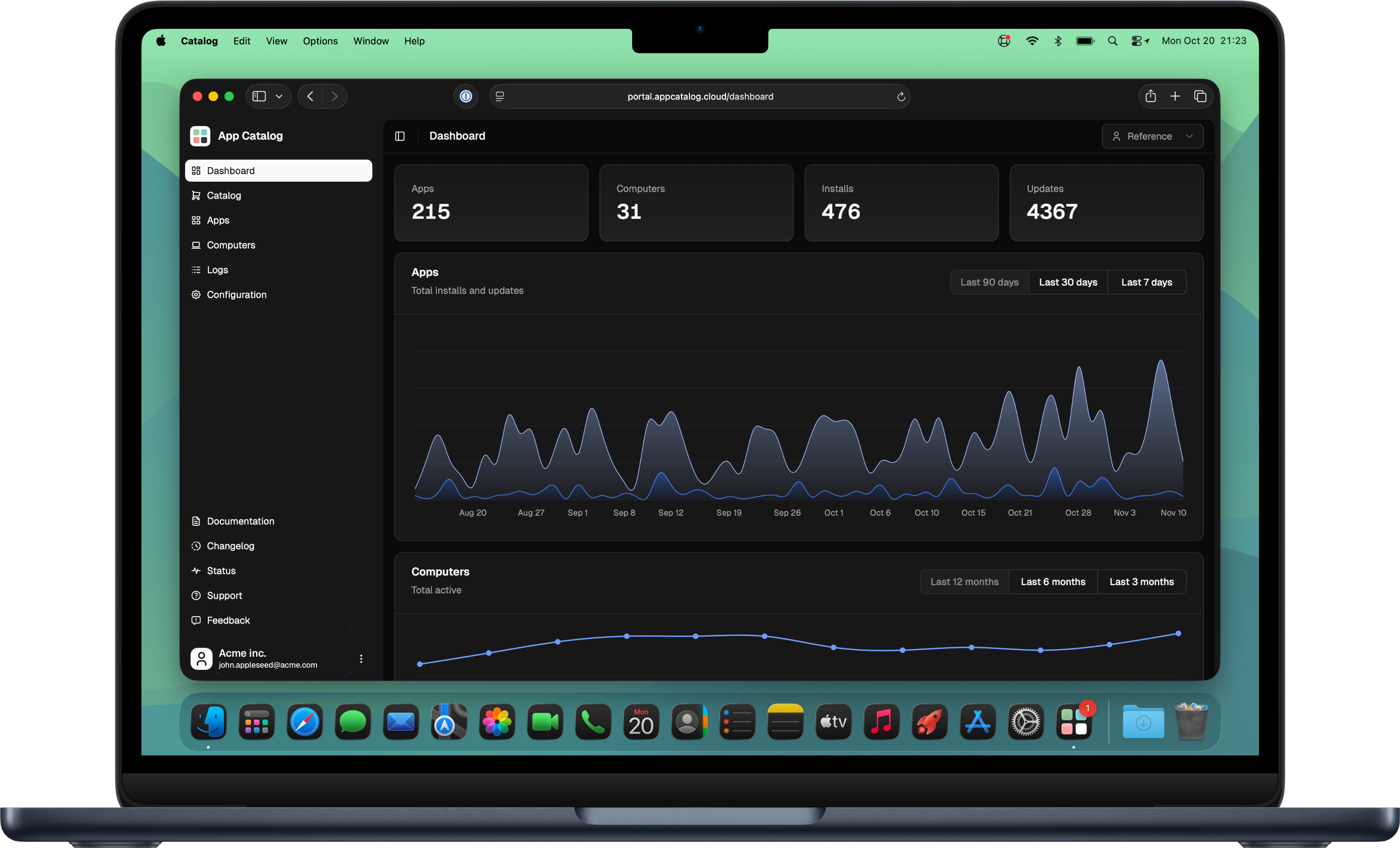
We are delighted to announce a redesign of the App Catalog Customer Portal, which has undergone a complete rebuild from the ground up. The new portal utilizes modern frameworks and a new design system, providing a robust foundation. This technology stack serves as the groundwork, enabling us to develop new features in the Customer Portal, which we are really excited about. This initial phase marks the launch of the new portal with feature parity. Subsequently, we will proceed with the development of new features soon.

Most notable structural improvement is that the menu is moved from the top into a collapsable sidebar, which creates more space for future improvements. Other addition in the lower area of the sidebar are important resources, such as links to our documentation, status, support, feedback and roadmap.

October 20th, 2025

Fixed

App

🛠 Fixed

  • Improvements to keeping app icon images in Catalog App up to date and compatible with apps compiled for macOS 26

  • Bug fix related to detecting new app versions in certain circumstances

September 12th, 2025

New

App

✨ New

👀 Changed

  • The minimum deployment target is now macOS 13 and App Catalog cannot be installed on macOS 12 anymore. Officially App Catalog supports N-2, at this time macOS 14, macOS 15 and macOS 26. macOS 13 should still run but is not tested anymore.

⛓️‍💥 Known Issues

  • Custom icon in notification unavailable: when using the key CustomAppIcon, the notification icon temporarily does not support custom icons. Due to a code signature error, we are working on a new notification system and reinstate the behaviour as soon as possible.

  • Switching between Admin Mode may crash the Catalog App due to a regression in macOS 26.

August 28th, 2025

App

🛠 Fixed

  • An issue is resolved where the Support App is not properly informed about the current state of available updates. When updating apps through Support App or Catalog App (or restarting these), the current state should be reflected immediately in the UI and the Catalog App Dock icon. When taking no action, Support App automatically checks for updates every 8 hours.

Support App 2.6.4 or later is required. Please check the latest release at https://github.com/root3nl/SupportApp/releases

July 31st, 2025

App

🛠 Fixed

  • An issue resolved where Catalog Agent could cause a data race and update check loop when Support App is also deployed, resulting in slow connections or sometimes timeouts with the App Catalog web services. Support App might be slower in detecting new updates or completed updates. This will be reinstated in a future update.

July 29th, 2025

App

🛠 Fixed

  • An issue resolved where App Catalog could not be updated when IncludeAppsUpdate was specified.

  • An issue resolved where Microsoft app updates not handled by Microsoft AutoUpdate, would not be presented to the user as an update in the Catalog App if Microsoft AutoUpdate is configured. Also, those apps are now updated when IncludeAppsUpdate is specified.